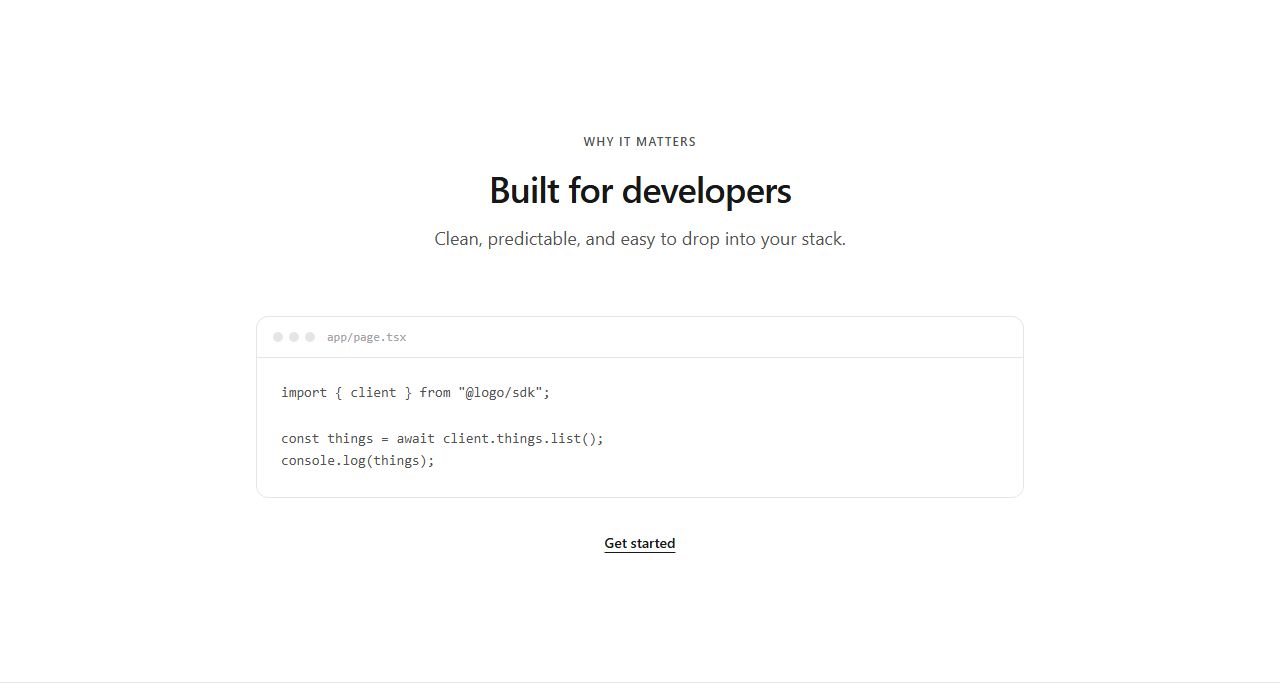
Code editor showcase
Centered heading and subhead above an IDE-style window (chrome dots, filename, code sample) with a docs link below. Show the SDK or API surface of a developer product.
code/editor/default
Built for developer products: IDE windows with file tabs, dark terminal sessions and install-command bands. Show the product the way developers will use it.
11 variants · neutral wireframe · ready to reskin with your design tokens
Code editor showcaseSplit text and code editorCode window with file tabsTerminal showcaseSplit text and terminalInstall command bandTerminal with outputThree-step installEditor with file treeCode to preview splitAPI request band
Centered heading and subhead above an IDE-style window (chrome dots, filename, code sample) with a docs link below. Show the SDK or API surface of a developer product.
code/editor/default
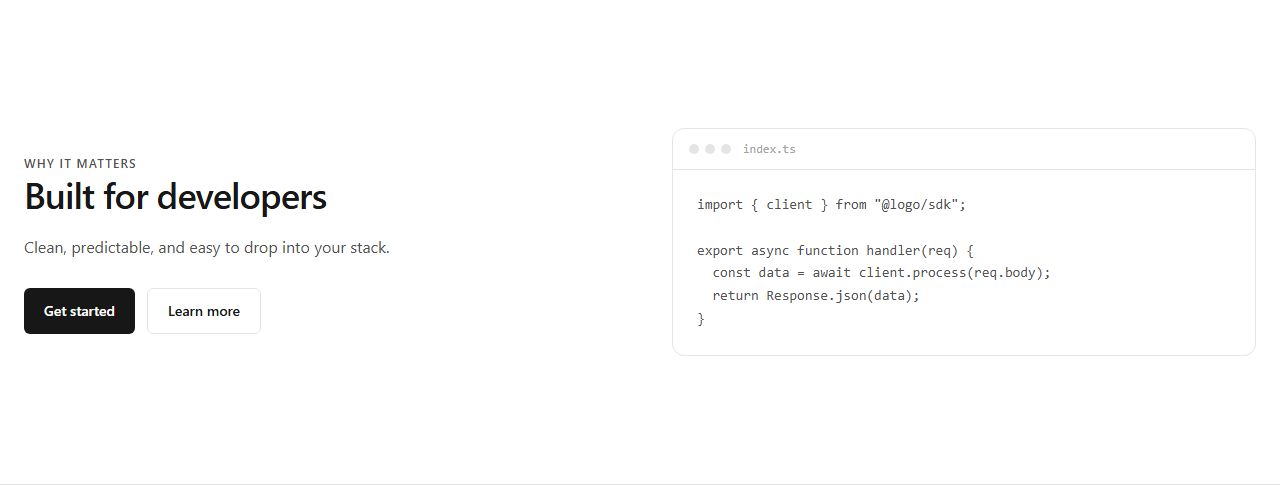
Copy and CTAs left, IDE-style code window right. Pairs the pitch with proof of how the product is used in code.
code/editor/split
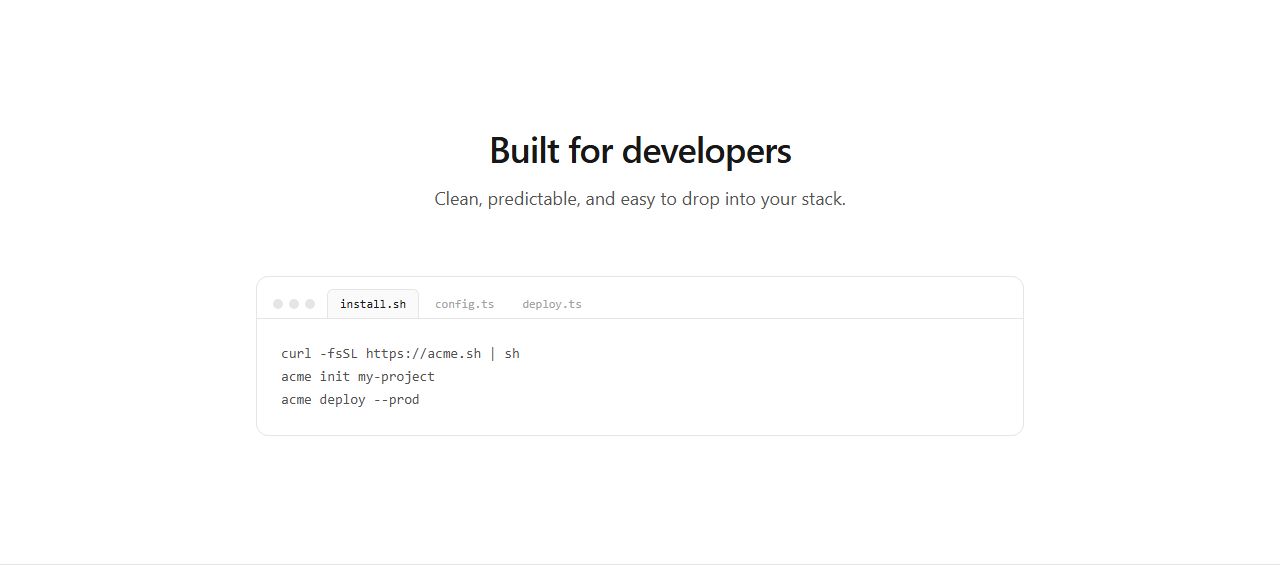
IDE window with three file tabs and a code sample, under a centered heading. Suggests a real multi-file workflow.
code/editor/with-tabs
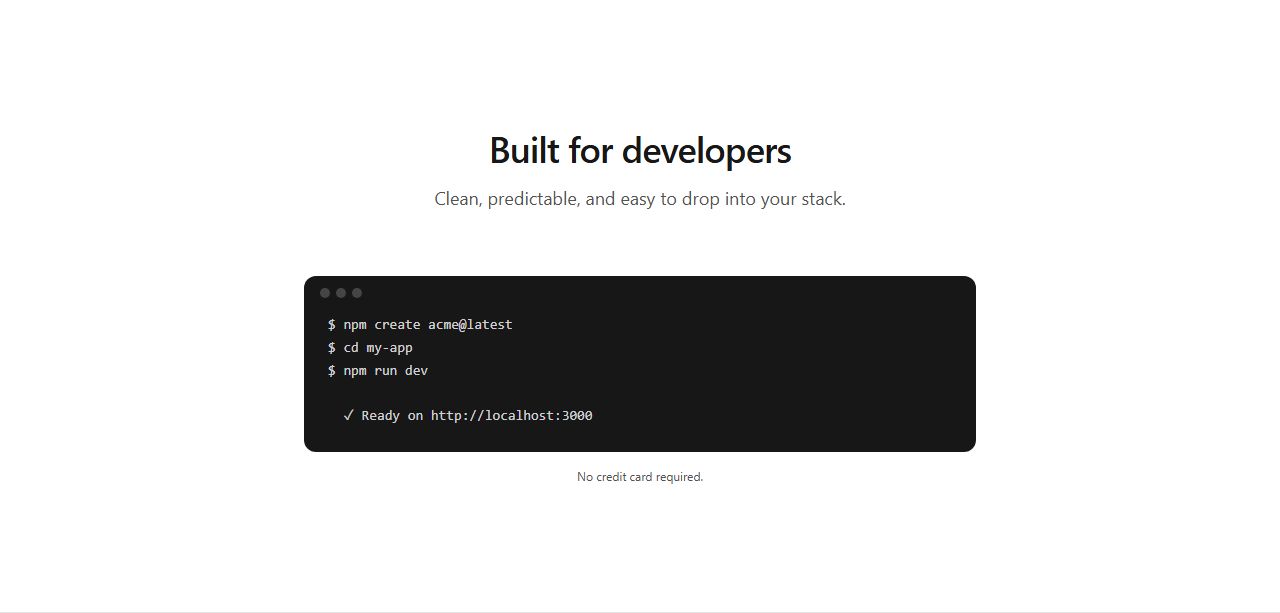
Centered heading above a dark terminal window with CLI commands and a footnote. The classic developer-tool proof block.
code/terminal/default
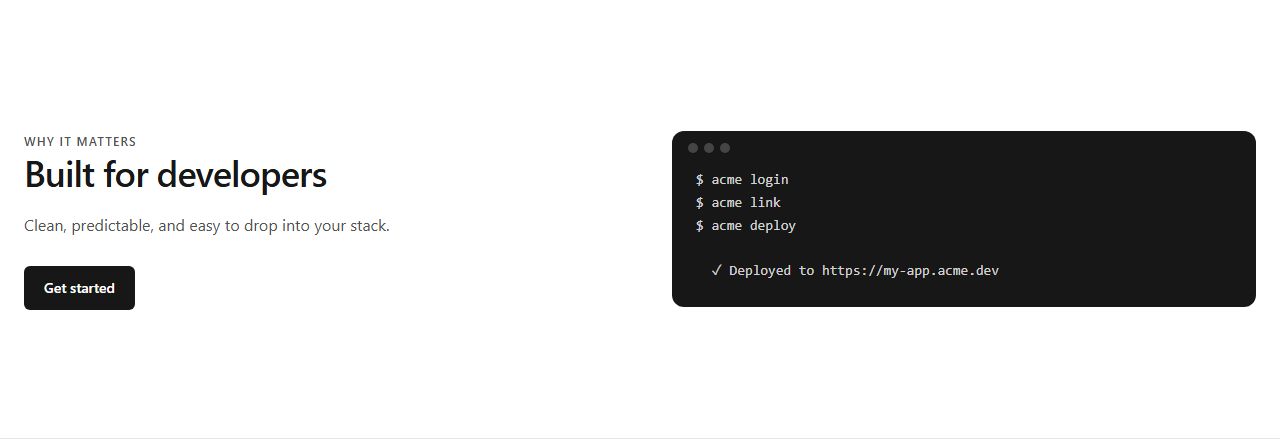
Copy and CTA left, dark terminal window with CLI commands right. Pitch plus a live-feeling install or deploy flow.
code/terminal/split

Compact band: heading left, one-line install command in a copyable pill right. Low-friction bridge between sections for CLI and package products.
code/snippet/install
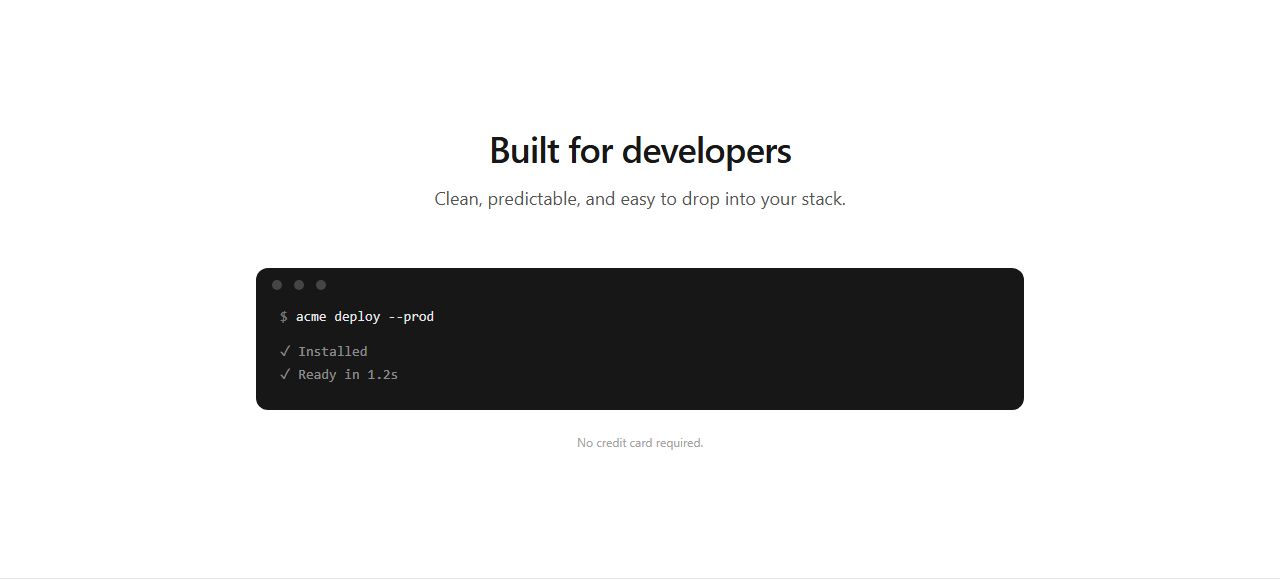
Dark terminal window showing one command and its successful output lines. The result is the proof.
code/terminal/with-output
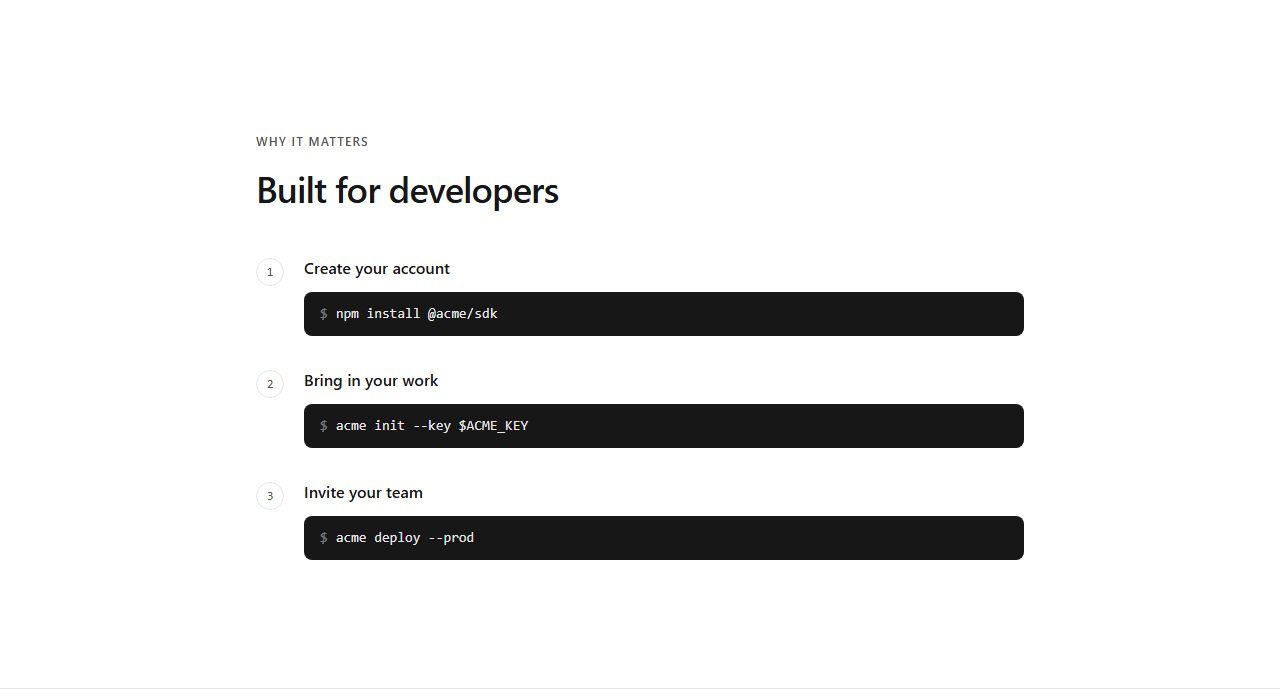
Numbered setup steps, each with a one-line terminal command. Install, configure, deploy in one glance.
code/terminal/steps
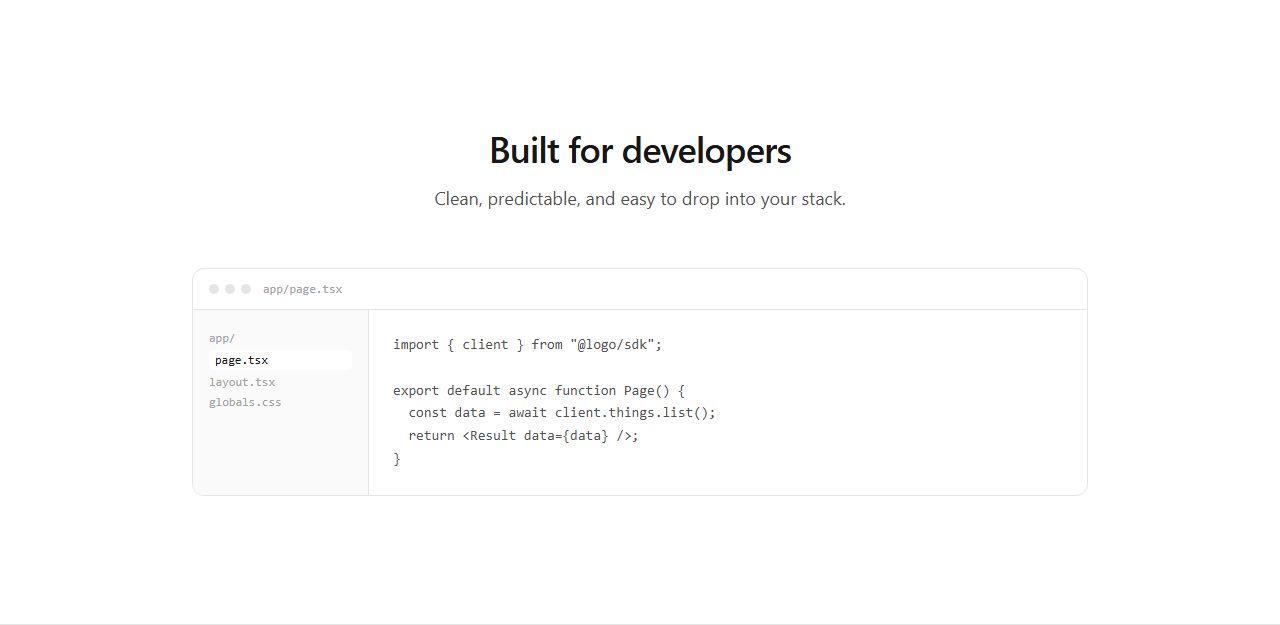
IDE window with a file explorer sidebar and the active file highlighted beside the code sample. Feels like a real project.
code/editor/with-sidebar
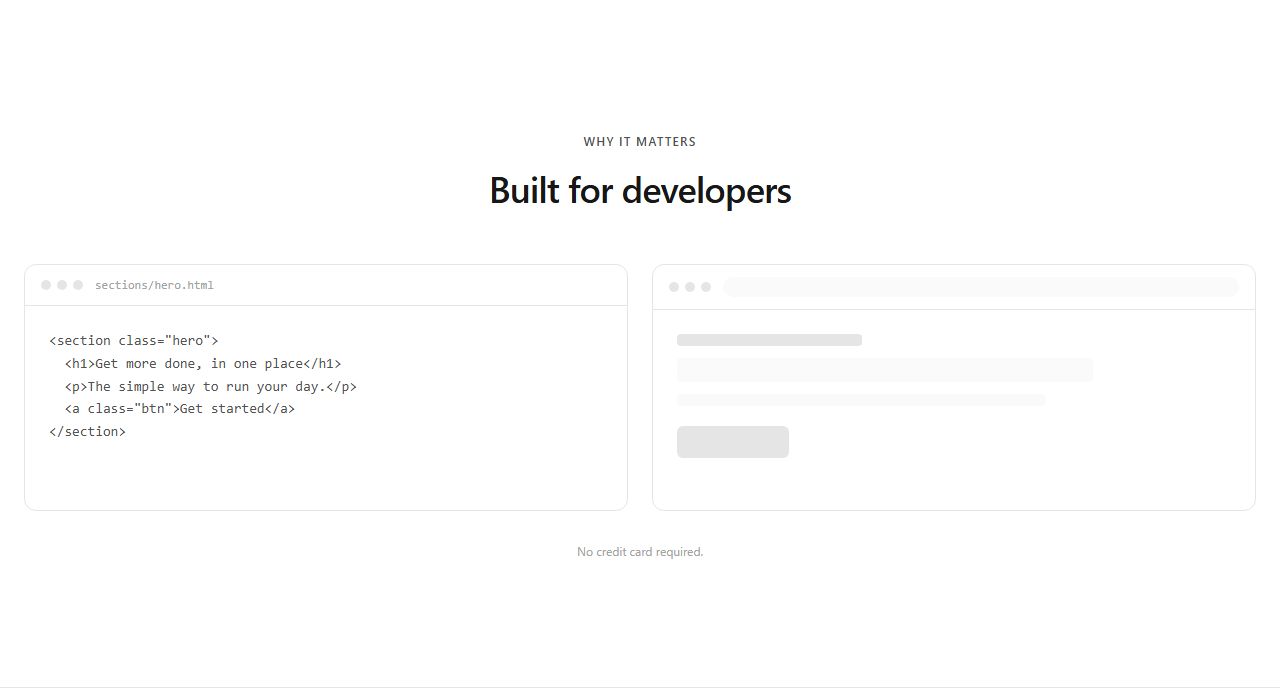
Editor window left, browser window with a wireframe render right. Shows what the code becomes.
code/editor/with-preview
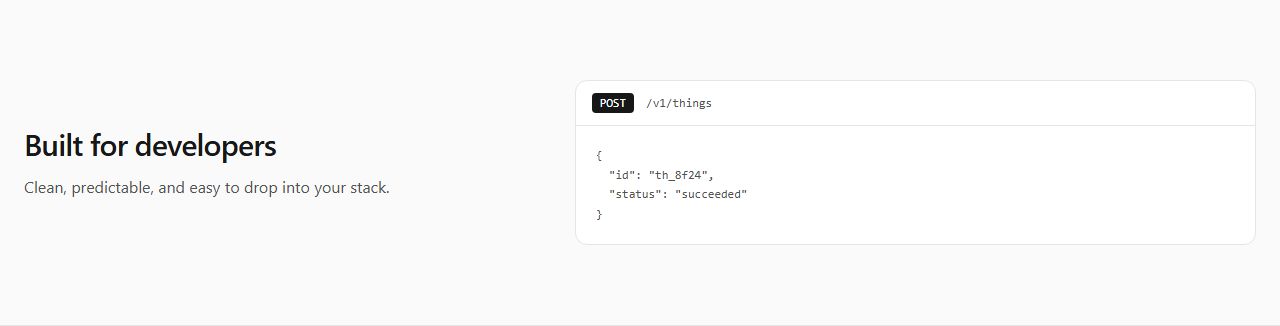
Muted band: pitch left, API request panel right with method badge, endpoint and a JSON response excerpt.
code/snippet/api
claude mcp add --transport http rifframe https://rifframe.app/api/mcp

> "Add a code section to my landing page"
Your coding agent can search and pull these sections directly. How it works.