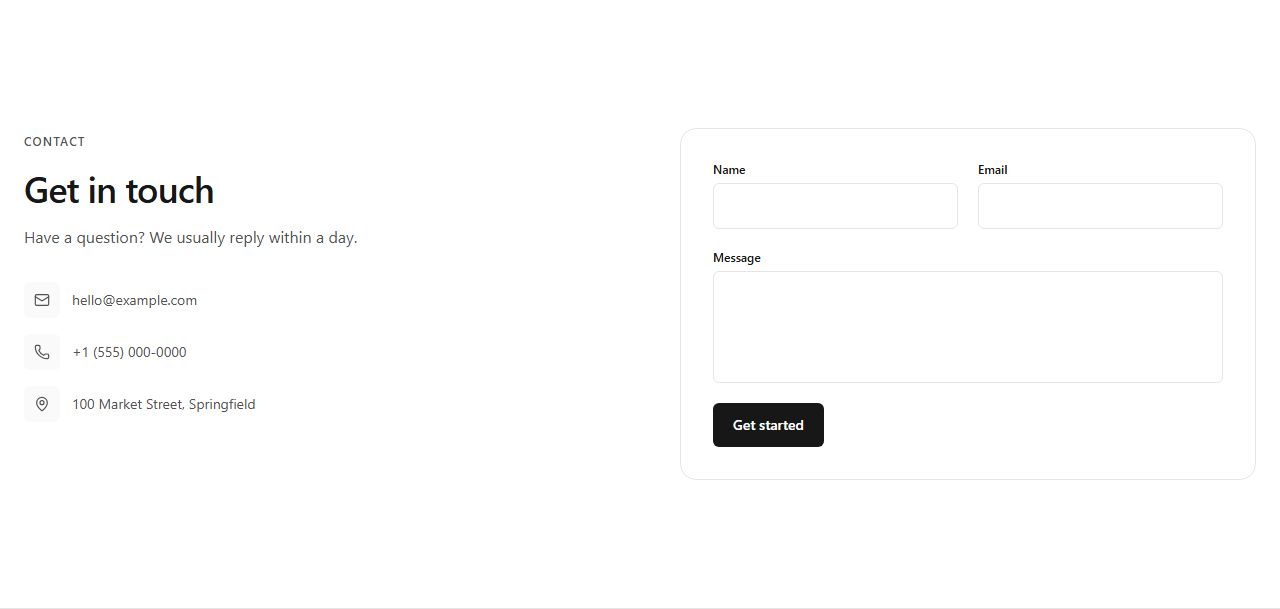
Contact form with channels
Heading and contact channels (email, phone, address with icons) left, a bordered form card (name, email, message) right. The standard contact section.
contact/split/default
Make reaching out easy: form-plus-channels splits, centered forms, map placeholders and info bands with email, phone and address.
8 variants · neutral wireframe · ready to reskin with your design tokens
Contact form with channelsCentered contact formContact form with mapContact info bandBook a call splitOffice cardsJust email usContact form with FAQ
Heading and contact channels (email, phone, address with icons) left, a bordered form card (name, email, message) right. The standard contact section.
contact/split/default
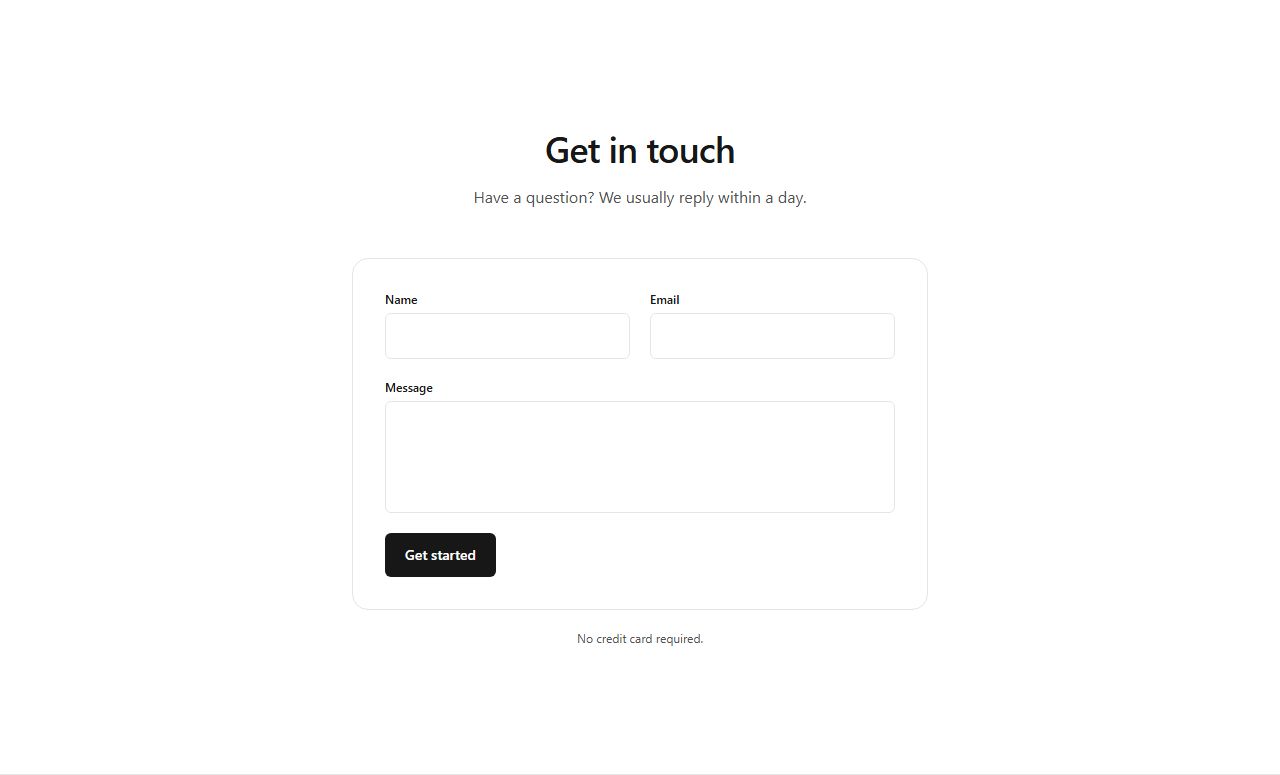
A single centered form card with name, email and message fields under a heading. The simplest contact block.
contact/centered/default
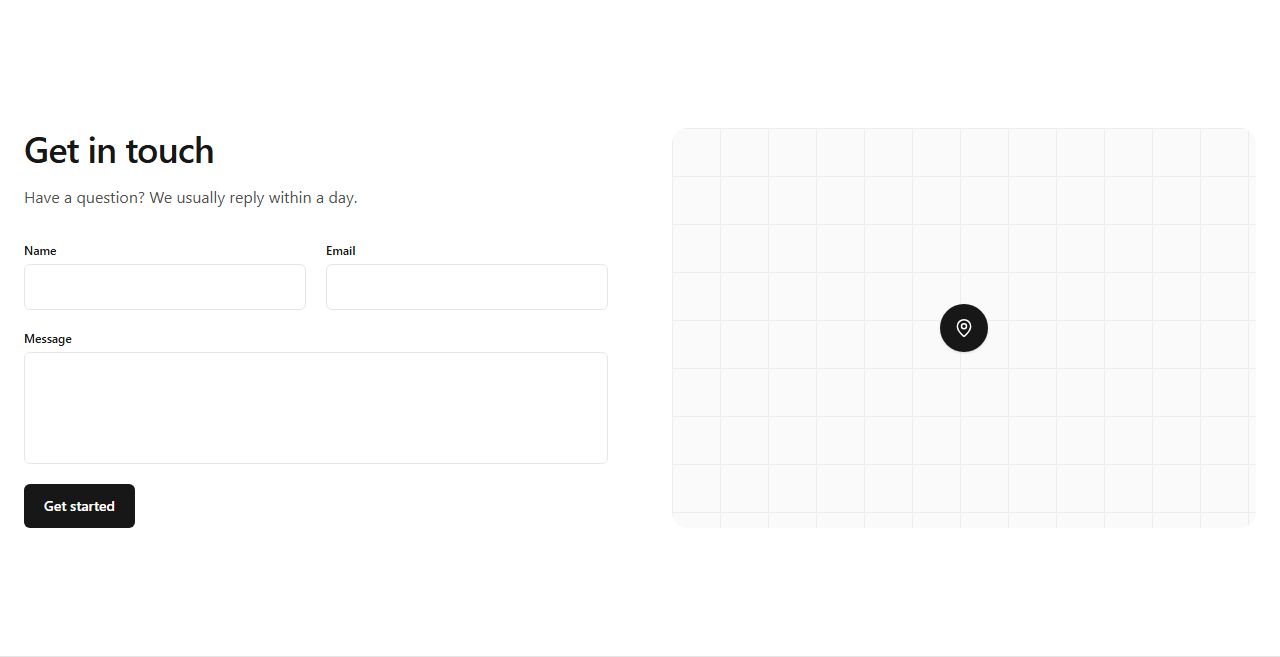
Form fields left, a map placeholder with a centered pin right. For businesses with a physical location.
contact/split/with-map

Thin three-column band: email, phone and office address with icons. Information only, no form.
contact/band/info-band
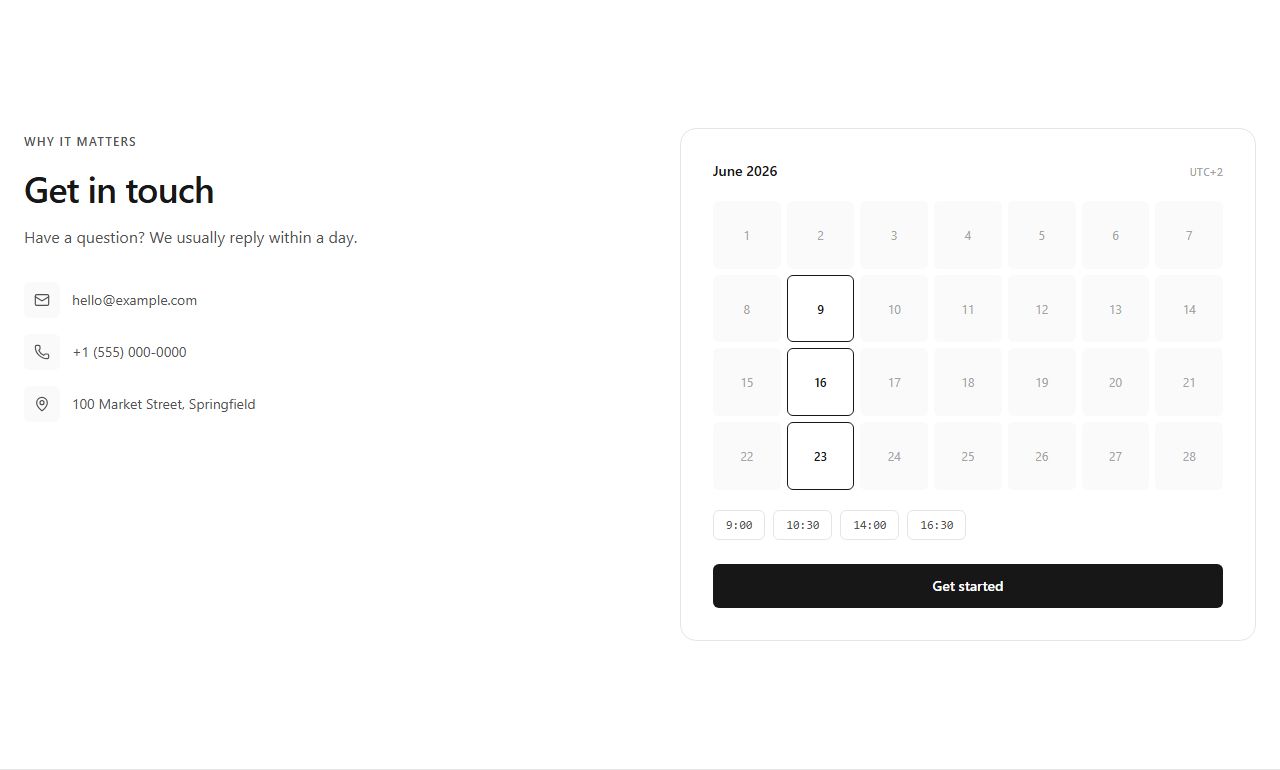
Pitch and contact channels left, booking calendar card right with available days and time slots.
contact/split/with-calendar
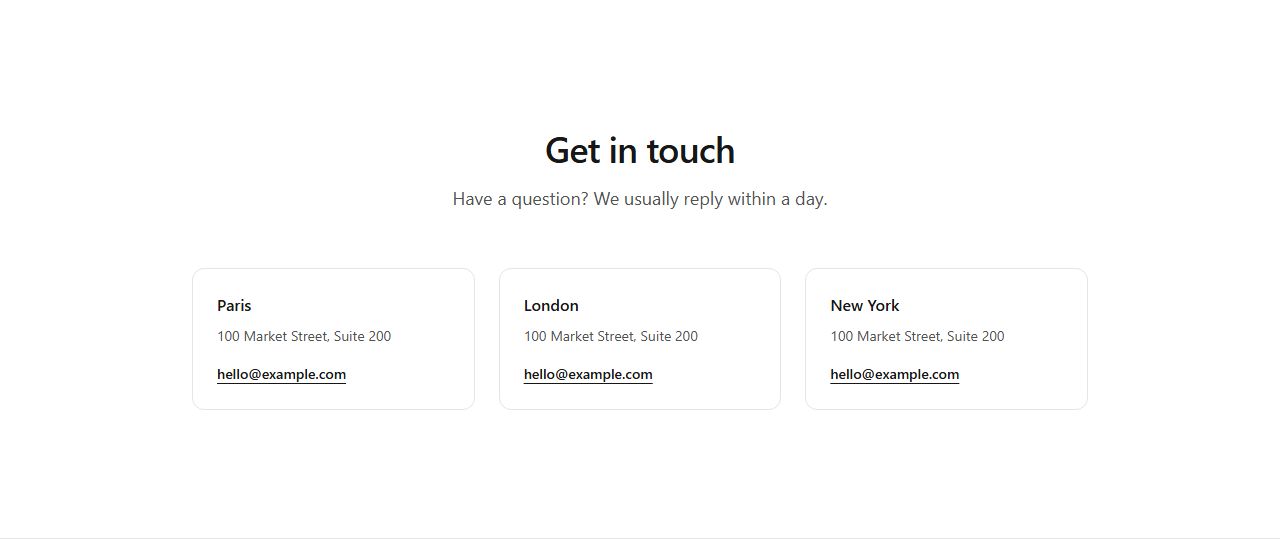
Three office cards with city, address and local email. For companies with physical presence.
contact/cards/offices

Muted band with a heading and one large mailto link. The lowest-friction contact section possible.
contact/minimal/email
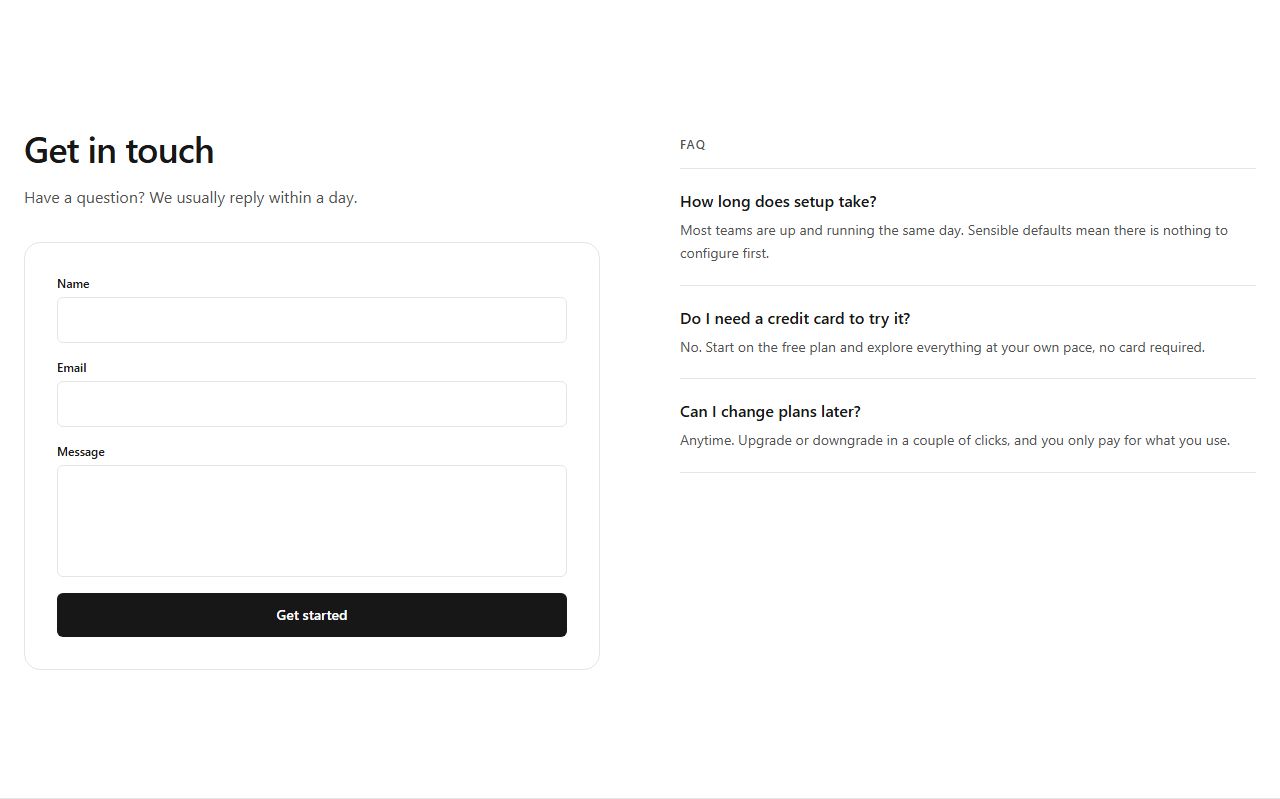
Form card left, three common questions answered right. Handles objections at the contact point.
contact/split/with-faq
claude mcp add --transport http rifframe https://rifframe.app/api/mcp

> "Add a contact section to my landing page"
Your coding agent can search and pull these sections directly. How it works.