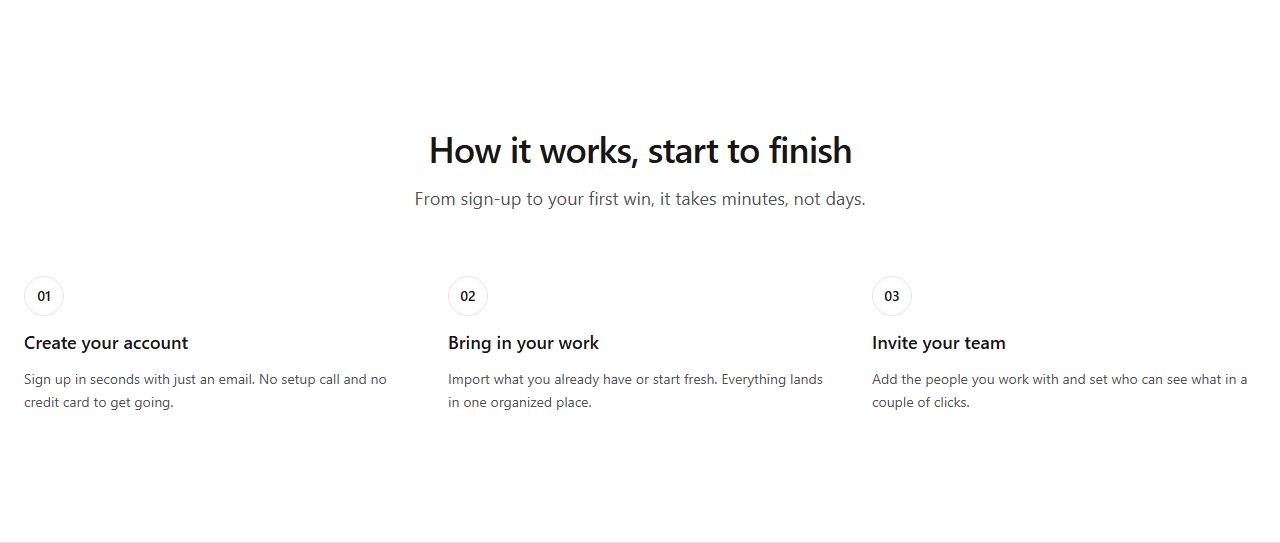
Three horizontal steps
Three numbered steps in a row. The default for simple three-step processes.
how-it-works/steps/horizontal
Explain the process in steps: horizontal and vertical sequences, timelines, connected flows, numbered cards and image-backed walkthroughs.
9 variants · neutral wireframe · ready to reskin with your design tokens
Three horizontal stepsVertical steps with connectorSteps with imagesTimeline with step labelsSteps with big number overlaysStep cards with iconsAlternating step rowsConnected steps with flow lineCentered steps with icons
Three numbered steps in a row. The default for simple three-step processes.
how-it-works/steps/horizontal
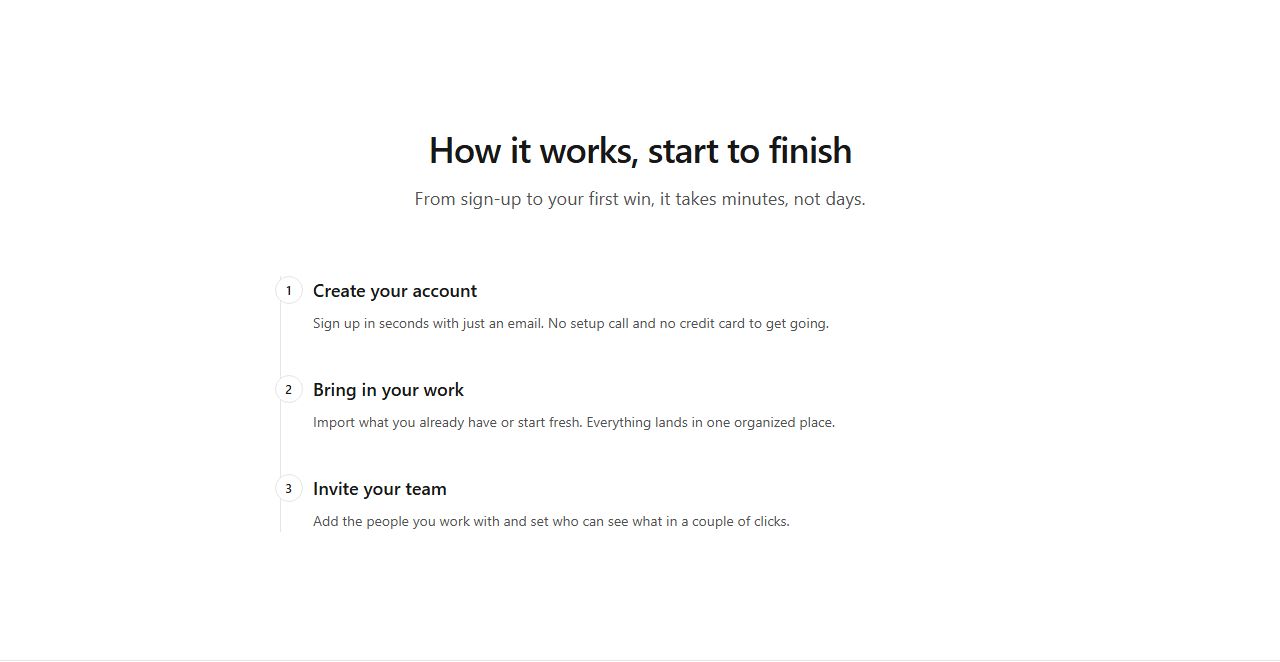
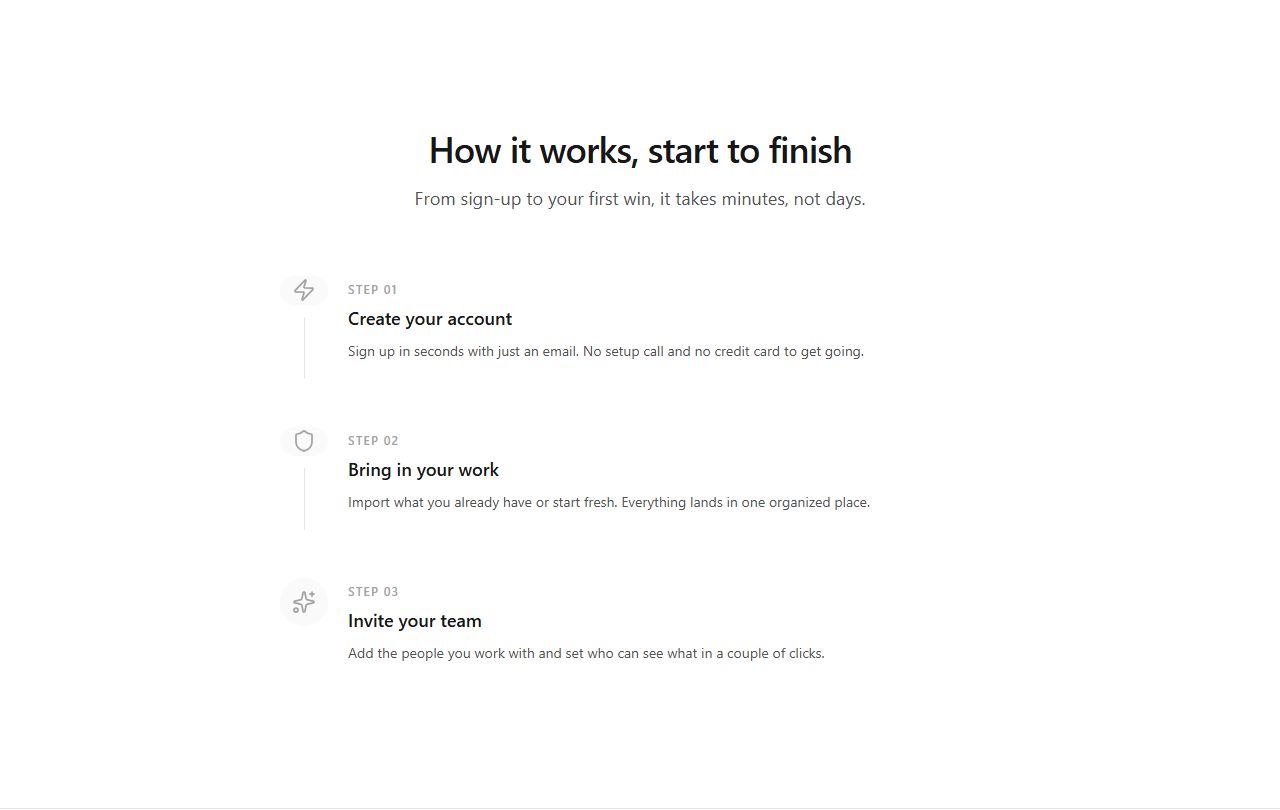
Three steps stacked vertically along a left border connector. Sequential narrative.
how-it-works/steps/vertical
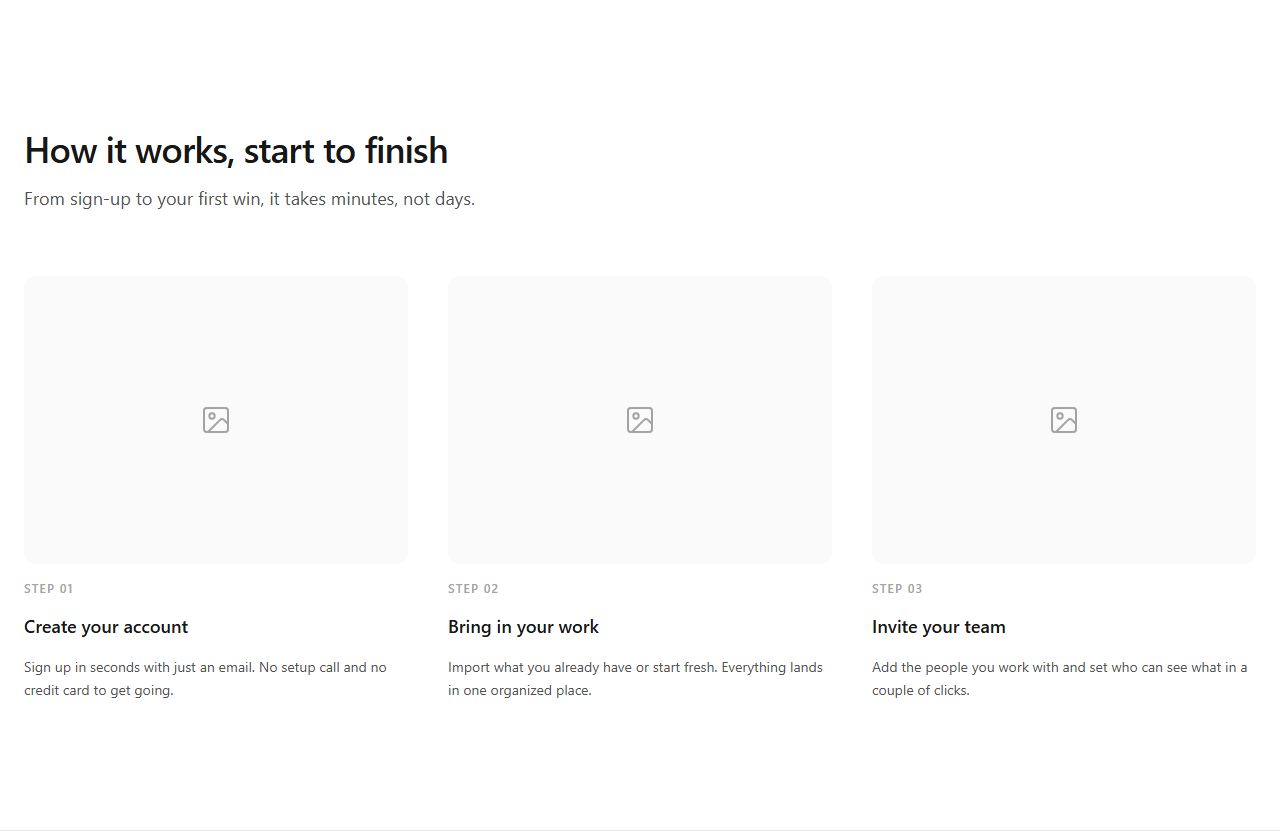
Three steps in a grid with an image above each. Adds visual context to the process.
how-it-works/steps/with-image
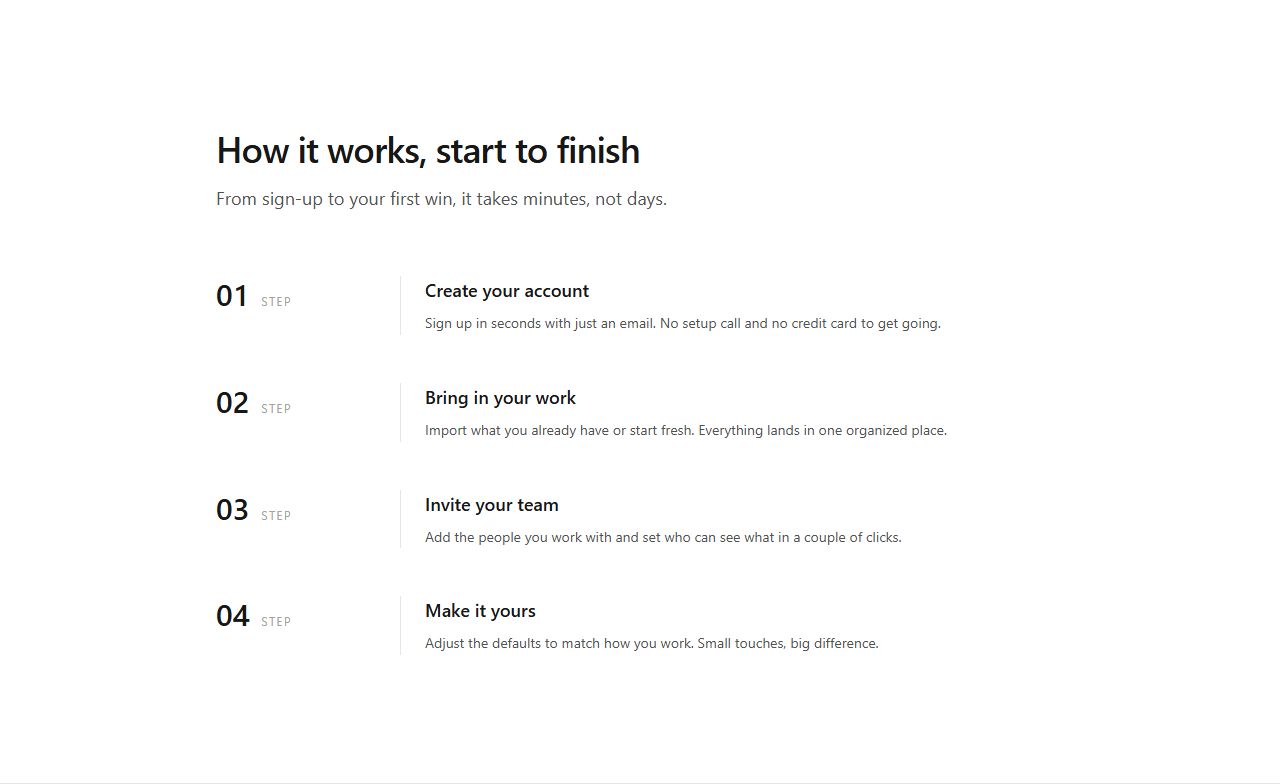
Four steps in a timeline layout with step labels and a left border. Journey narrative.
how-it-works/timeline/timeline
Three step cards with oversized numbers in the background. Visual emphasis on sequence.
how-it-works/steps/big-numbers
Three bordered step cards with icons and step labels. Structured process presentation.
how-it-works/steps/cards
Three alternating text/image rows. Detailed process walkthrough with visuals.
how-it-works/alternating/alternating
Four steps connected by a dashed flow line (desktop). Emphasizes progression.
how-it-works/steps/connected
Three centered steps with prominent icons on top and vertical connectors. Icon-first presentation.
how-it-works/steps/centered-icons
claude mcp add --transport http rifframe https://rifframe.app/api/mcp

> "Add a how it works section to my landing page"
Your coding agent can search and pull these sections directly. How it works.